Date : 05 Mar, 2025
- netdiscover, arpscan - recon tool
- netwrk scan --> available ip addresses gives
Sick OS :
- It is a vulnerable machine which generally comes in
.ovaformat used for practicing penetration testing
- After setting up the sick os
- Initial challenge:
- No ip address to map the attack surface (can be considered as a black box testing)
- Initial challenge:
- Use arpscan or netdiscover to find out the ip address
netdiscover:
- it is a arp tool used to discover any active address over the network
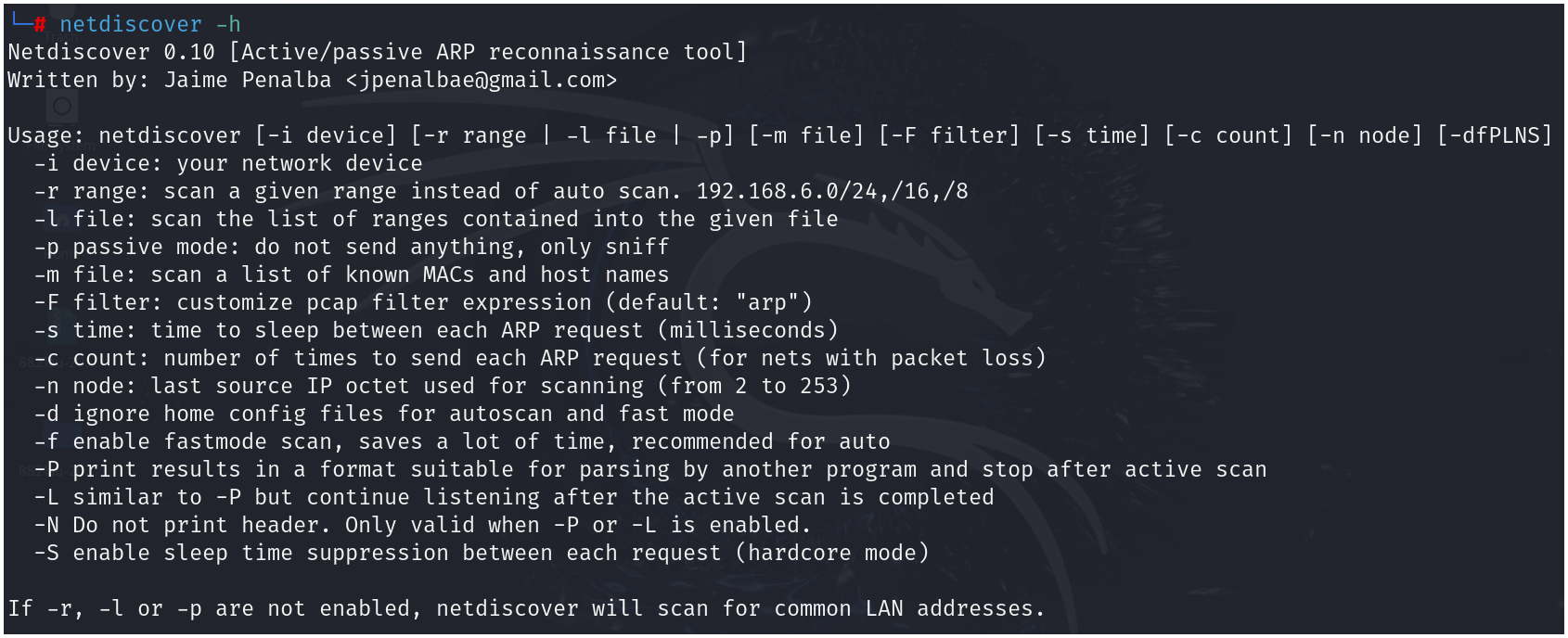
- from the available options we have used -r to specify the range and perform the scan
-
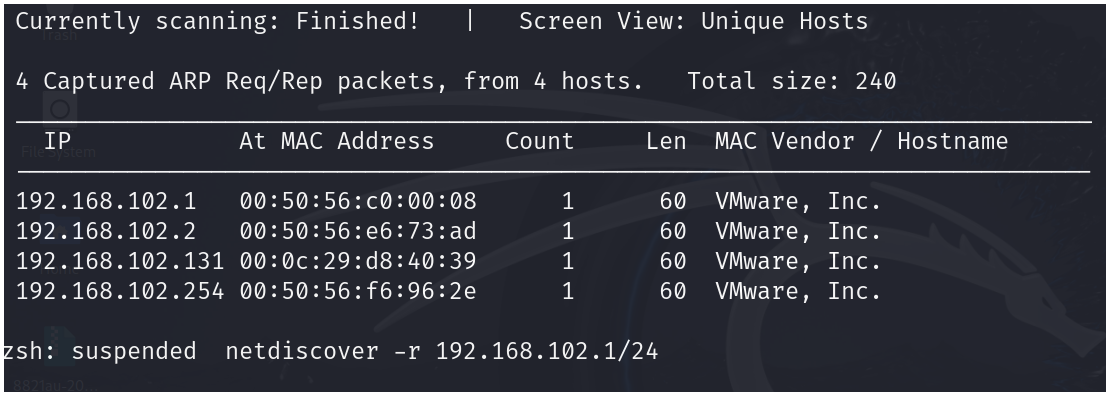
netdiscover -r 192.168.102.1/24
-
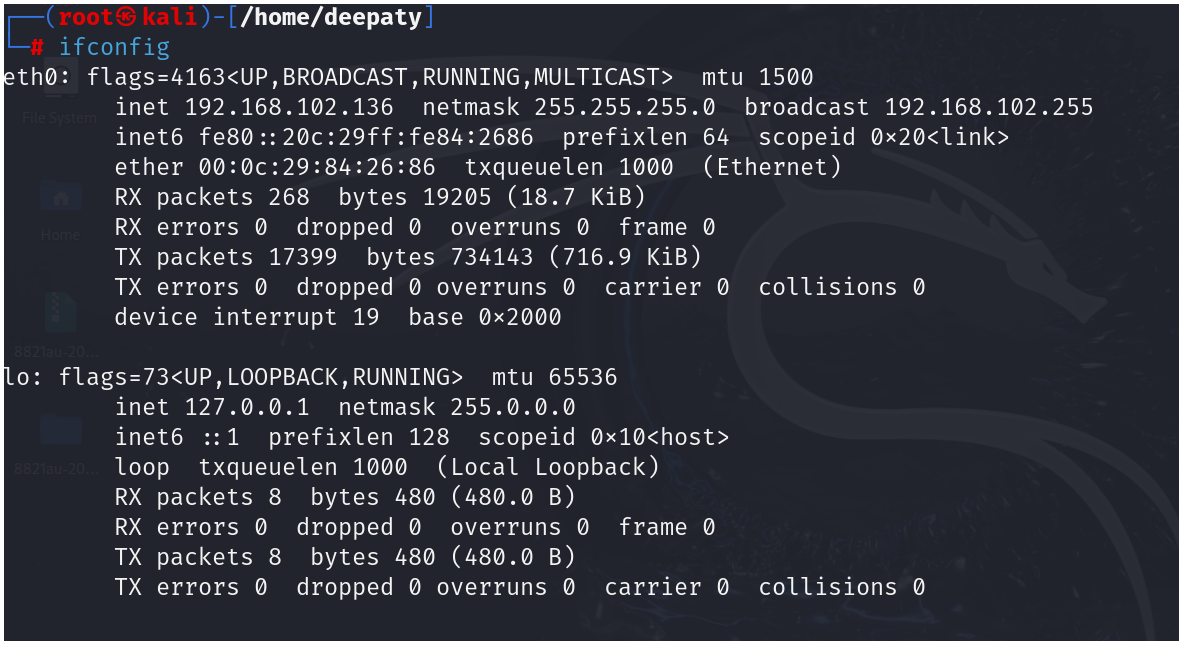
from both netdiscover and ifconfig we discovered that the ip address of sickos is
192.168.102.131 -
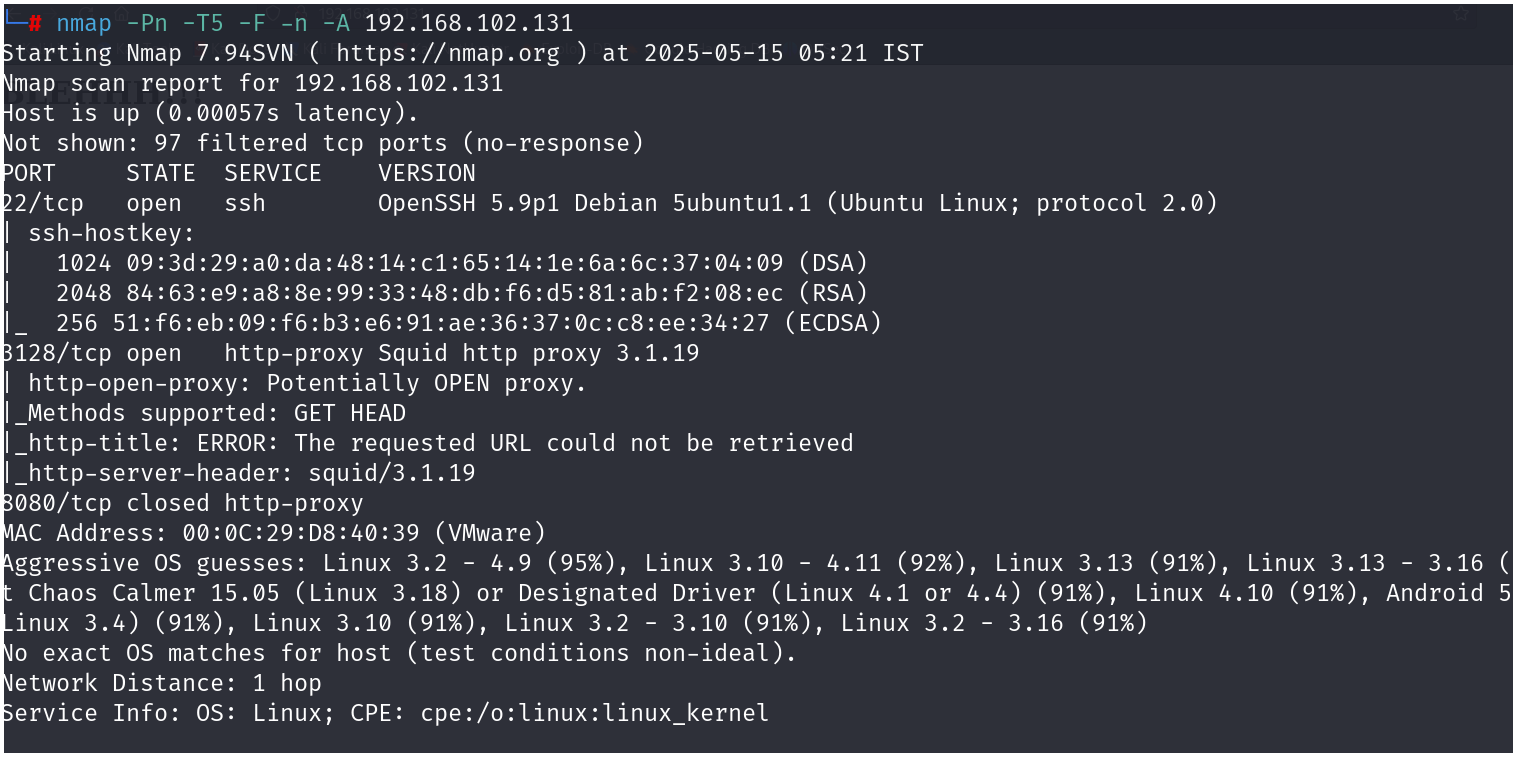
after discovering the ip address we proceed with nmap scan
nmap -Pn -T5 -F -n -A IPADDR
-
From this scan, we detected there are 2 ports open
-
As of now, we have no foothold on ssh
-
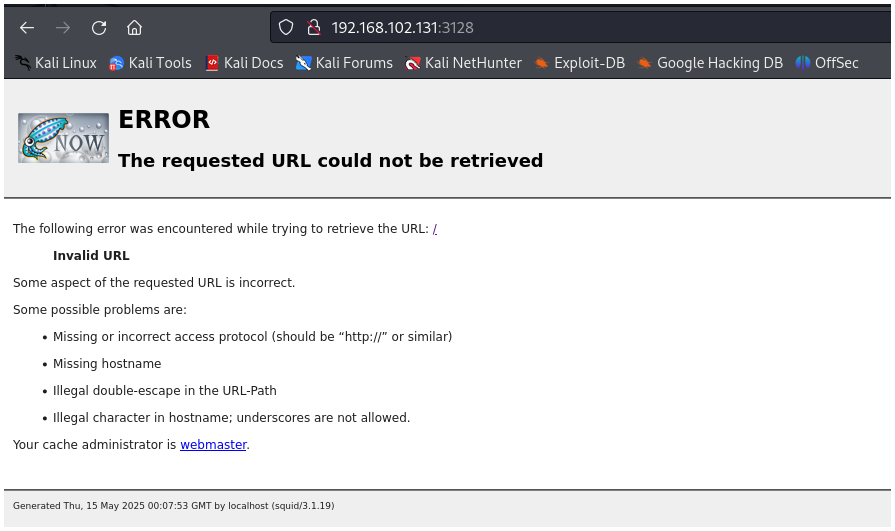
We continue with port 3128 which contains http-proxy and is currently running on squid-proxy 3.1.19
-
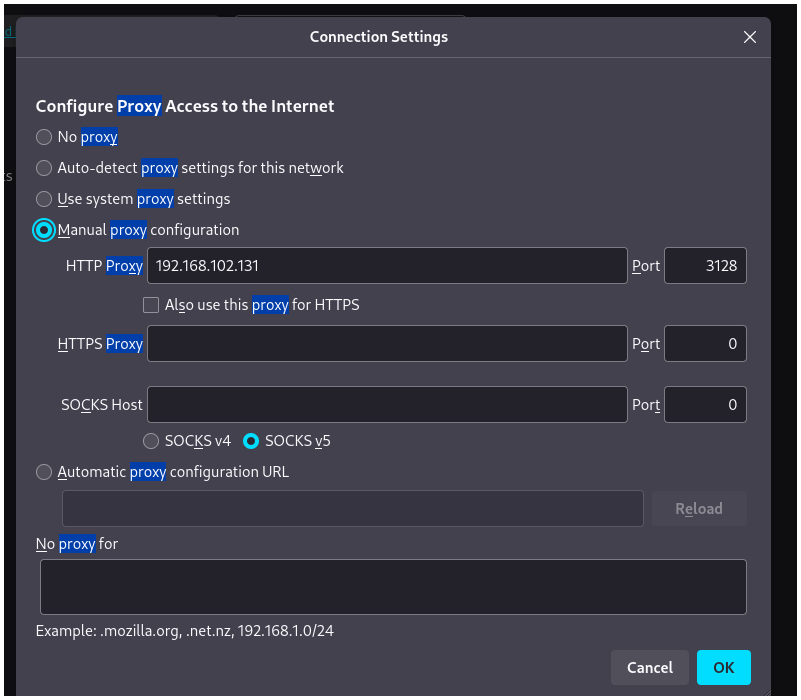
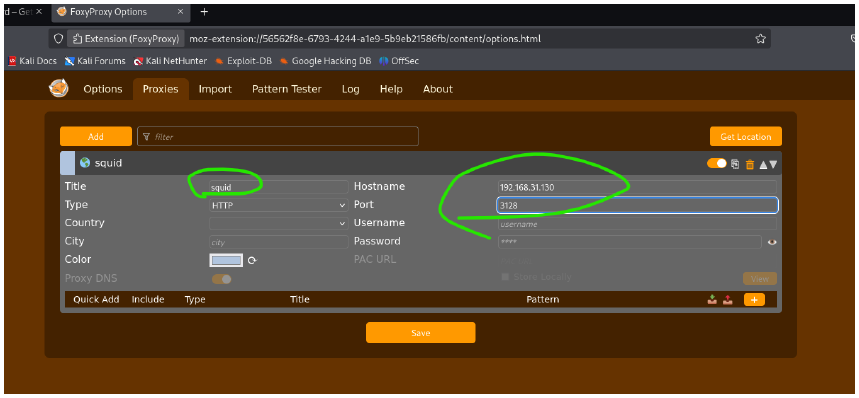
We set up the proxy on firefox
OR
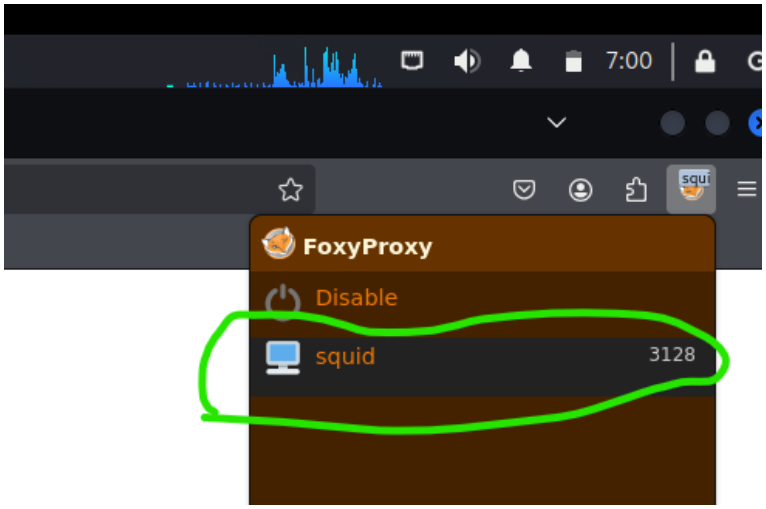
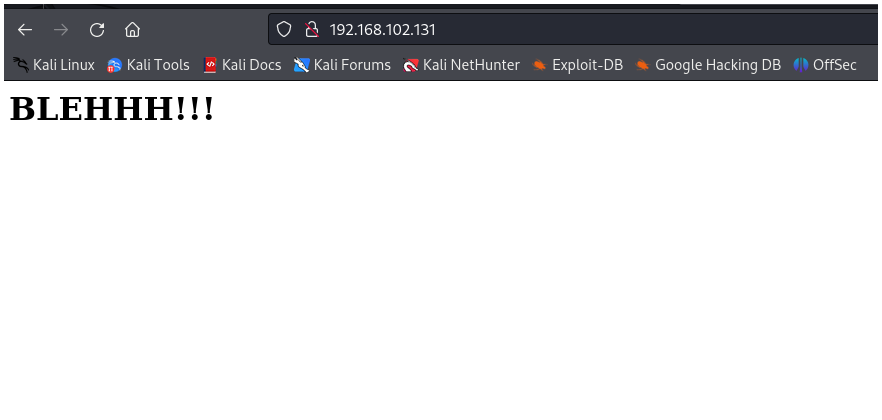
- After successful configuration, we end up with a webpage as shown below: