A5
• link : https://portswigger.net/support/using-burp-to-test-for-securitymisconfiguration-
issues
• default credentials are not changed
• admin console page is exposed to public
• directory listing is not disabled
• code file is exposed to public
• stack trace error revealing sesitive code
• sample or default application not removed from prod server
Lab
-
Dashboards → new Scan → change the craw and audit to only CRAWL
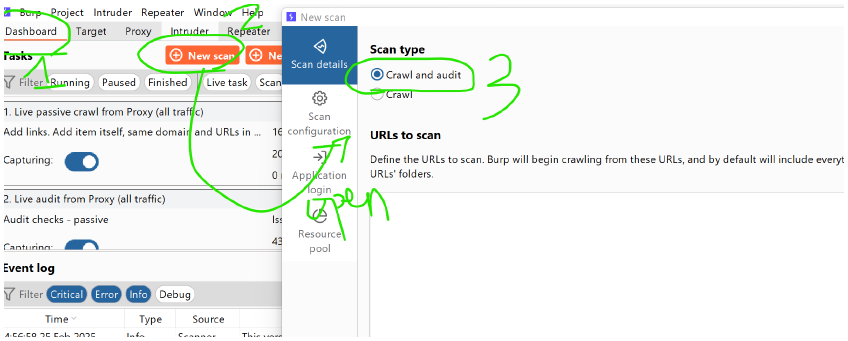
-
after selecting CRAWL ,copy the url of mutilidae and paste → then ok
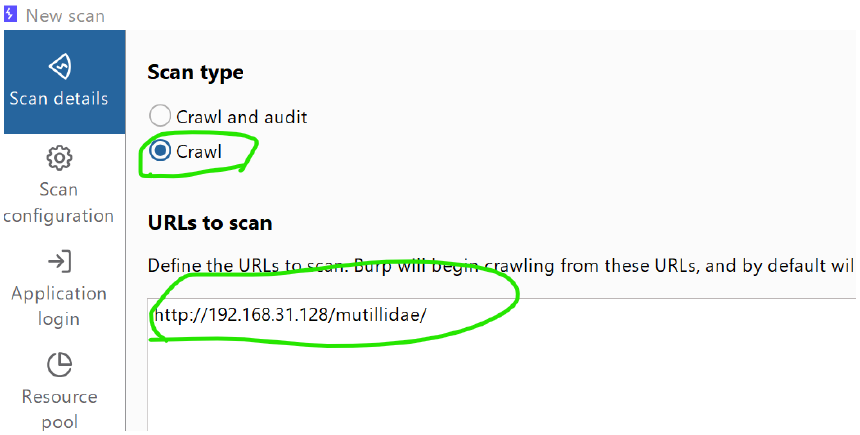
-
keep it lightweight
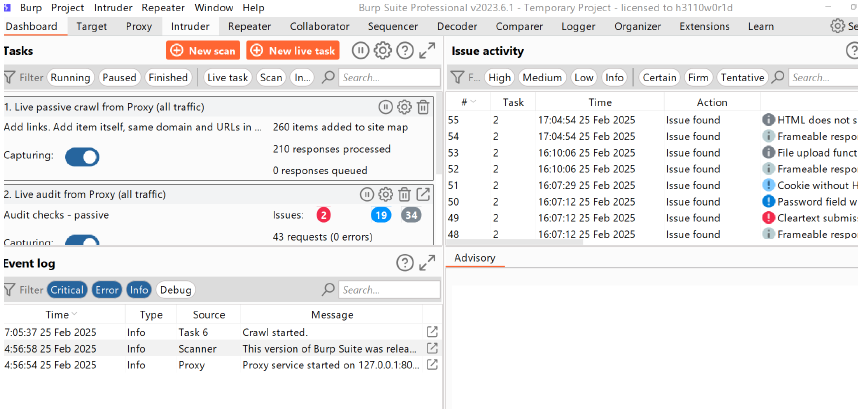
-
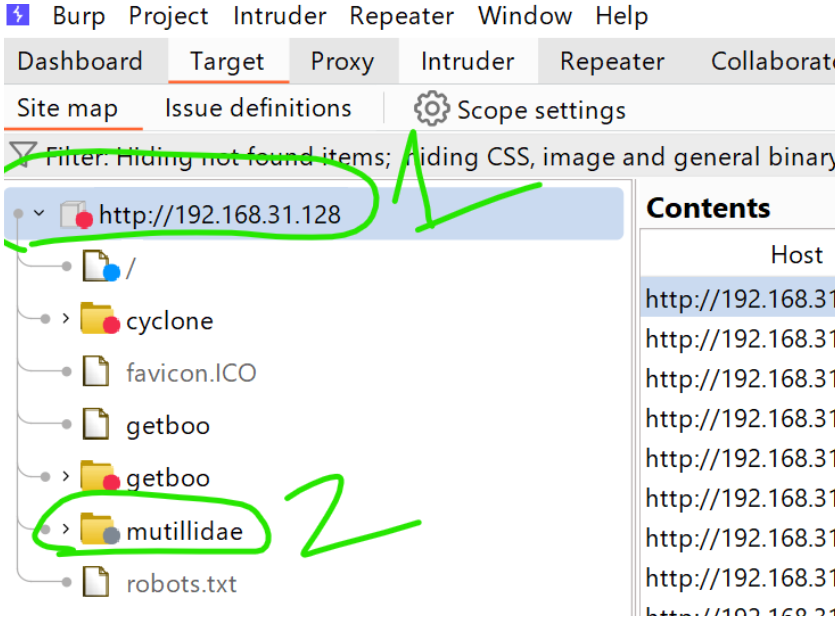
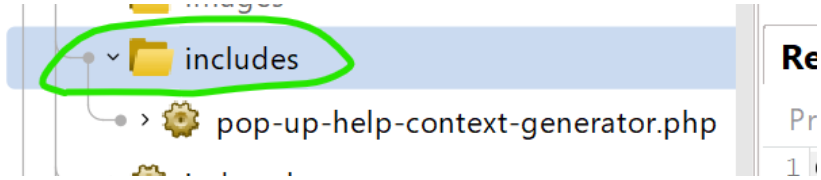
go TARGET → then http.. → mutilidae → includes
-
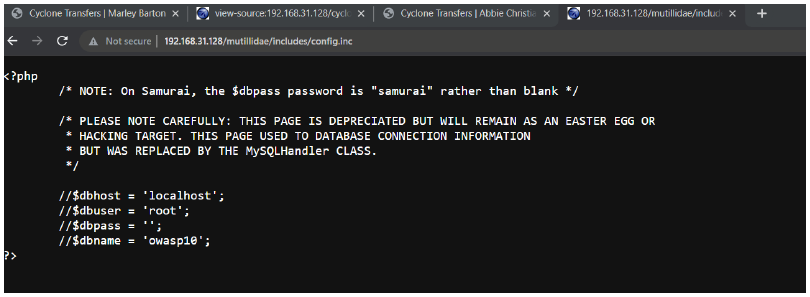
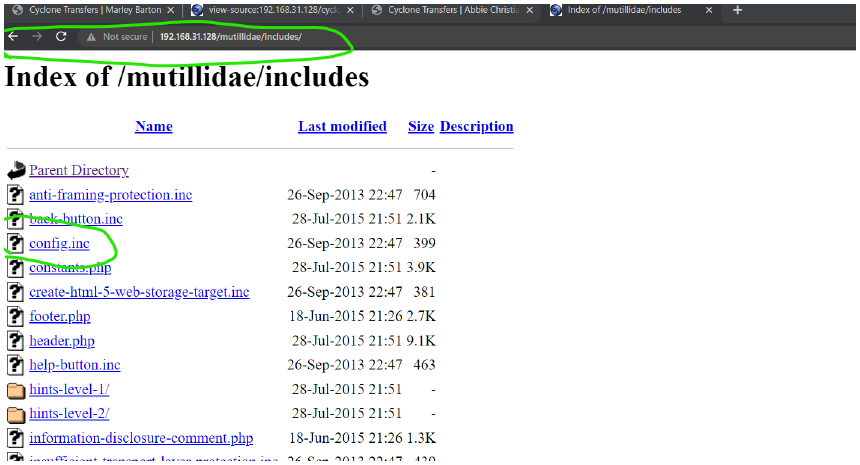
edit the url of include http://192.168.31.128/mutillidae/includes/ and open the config.inc file
-
download it ,this file was only allowed for the admin to view, but now we can view too.