Date : 06 Mar, 2025
[Download Nessus](https://www.tenable.com/ downloads/nessus)
-
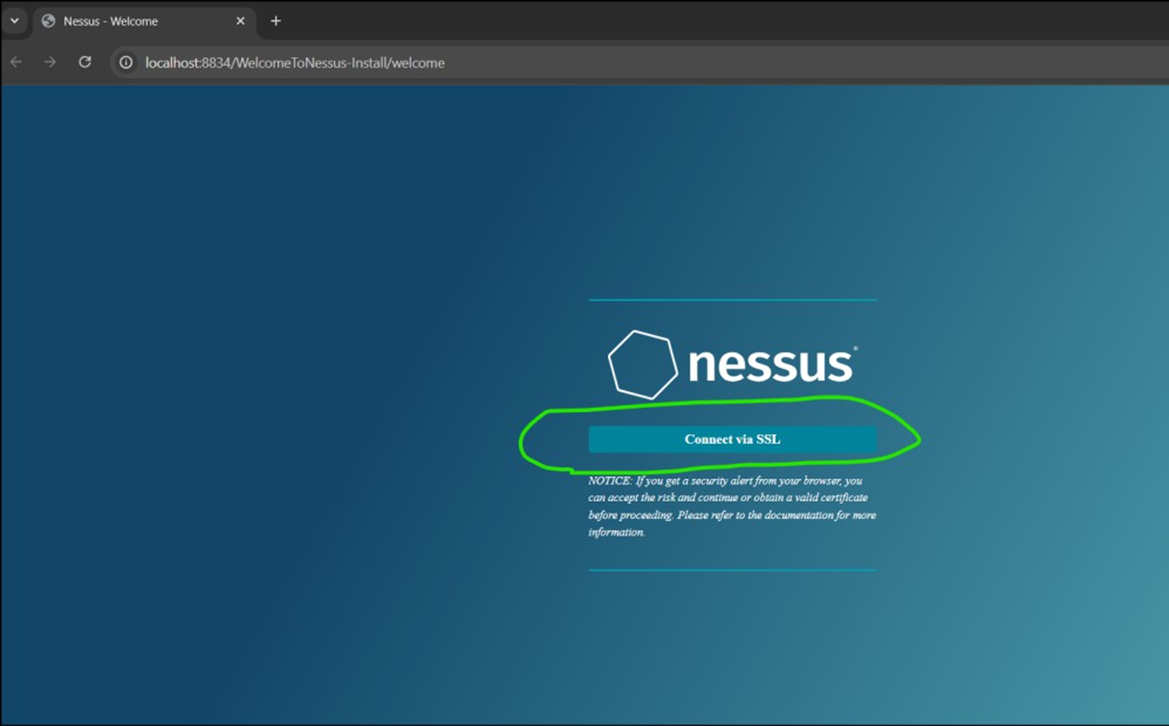
Install and connect via SSL
-
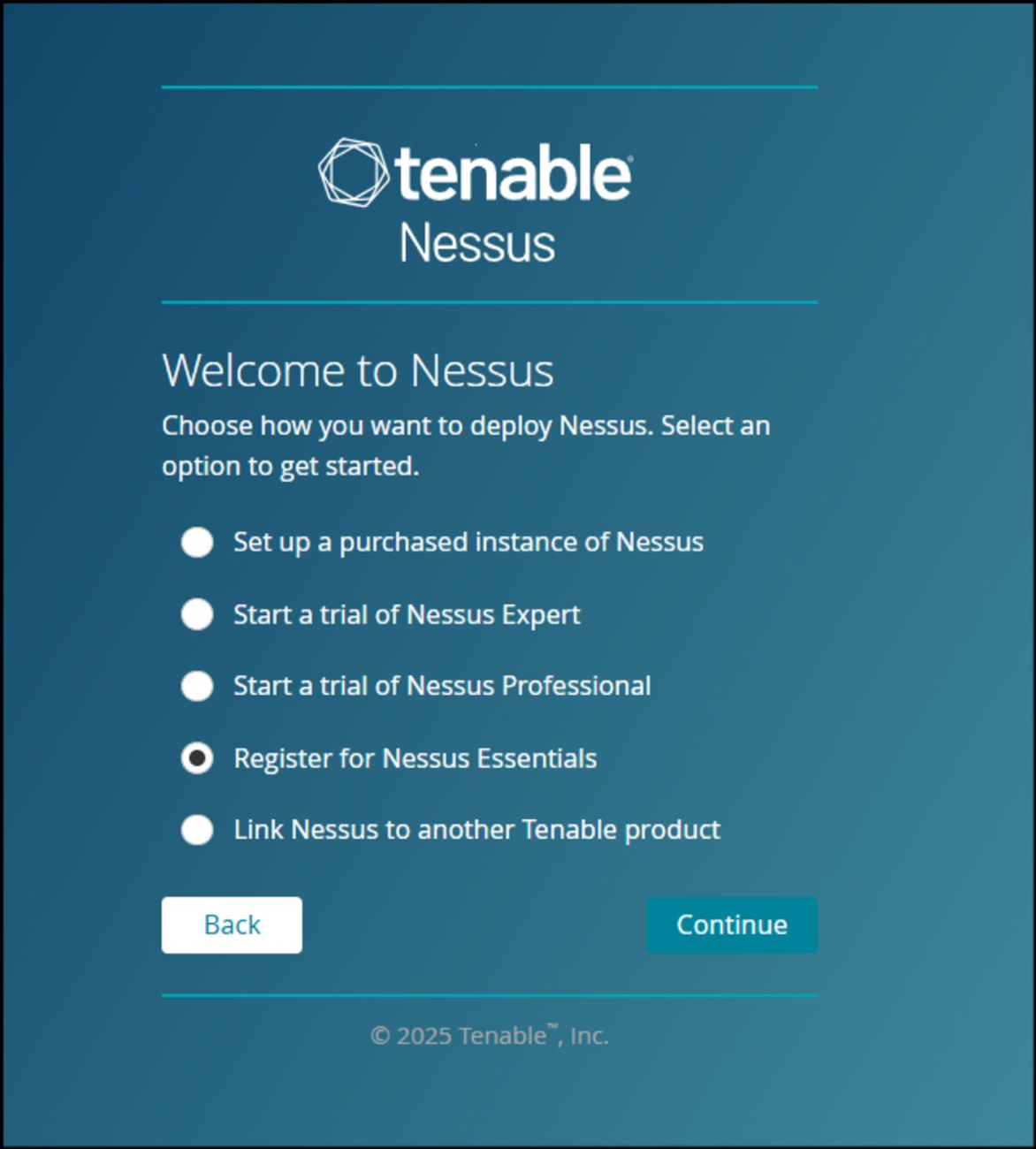
advance-> proceed anyway -> continue -> register for nessus essentials
-
Give your details
-
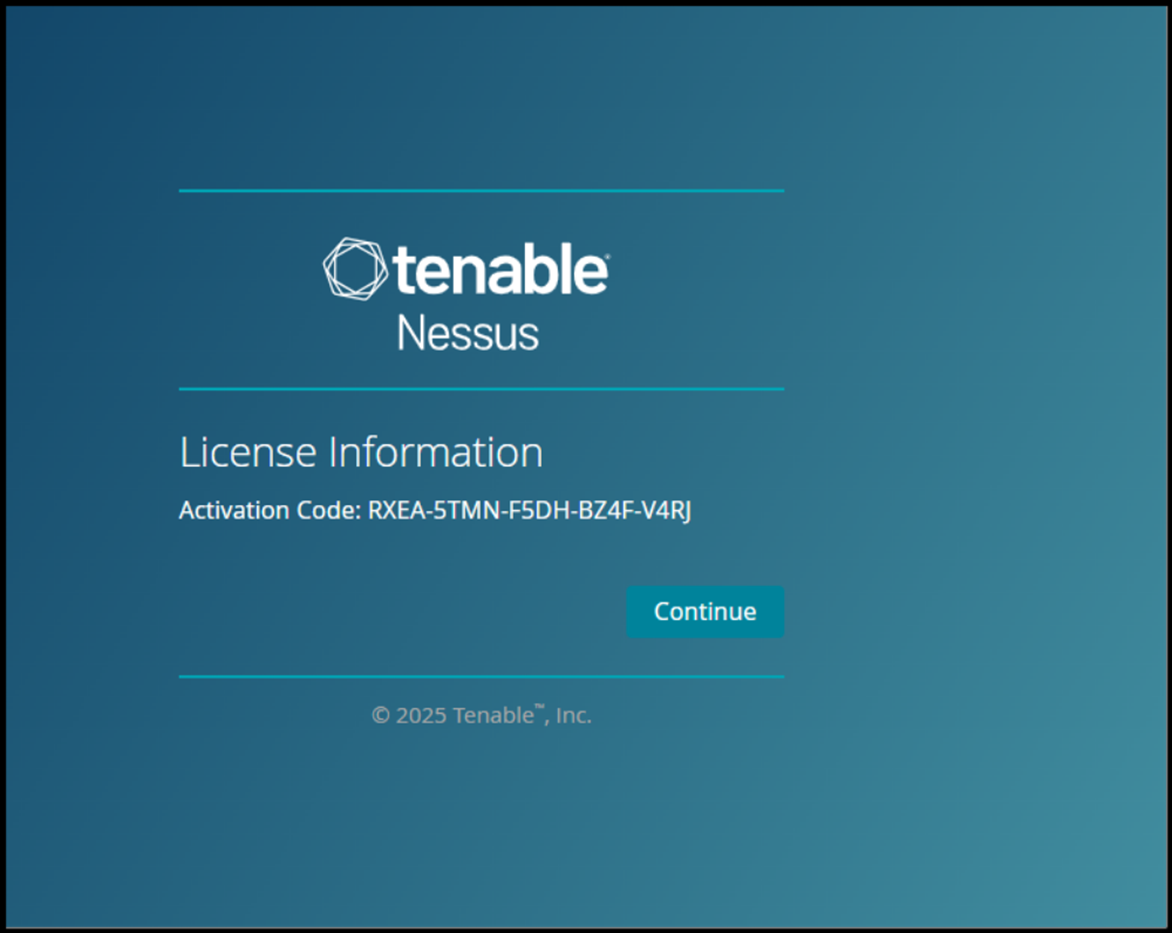
Note down the activation code
-
In place of password, give activation code.
IVM Process
![[attachments/IVM Process.pdf]]
Key Concepts:
- Infrastructure = Servers, databases, firewalls, routers, etc.
- Vulnerability = Weaknesses that hackers could exploit.
- Management = Steps to find and fix those weaknesses.
Why is an authenticated scanning required?
- Better Results : Nessus gives more accurate results with login credentials.
- Deep scanning : It can check inside the system, access important files, and find hidden vulnerabilities.
- More vulnerabilities found : Without login, Nessus can only check open ports and services, missing deeper security risks.
Reporting:
-
Nessus provides results in PDF/CSV/HTML formats.
-
Vulnerabilities are categorized as: Critical, High, Medium, Low, and Info.
Manual Analysis:
-
After automated scanning, we do manual checks to confirm:
- True Positives (vulnerabilities that really exist)
- False Positives (flagged by tool but not actually there)
-
Tools like Burp Suite and Nmap help verify results.
Remediation Process:
-
Final report is shared with the respective teams.
-
Teams are advised on how to fix the issues (patching, updates).
-
Patch timelines:
- Critical: 15 days
- High: 30 days
- Medium: 60 days
- Low: 90 days
-
If a fix isn’t possible in time, the asset owner must accept the risk in writing.
Regular Scanning:
- Monthly scans are recommended to keep systems secure and up to date.
Follow up:
• Set Reminders: Ensure follow-ups before the deadline to track remediation progress.
• Rescanning: Once patches are applied, rescan the servers to verify fixes. Repeat until all issues are resolved.
• Risk Acceptance:
- If the Asset Owner cannot fix an issue on time, they must accept the risk.
- They must share a Risk Number with a reason and the expected fix timeline.
• Regular Nessus Scan: The scan is scheduled once a month to ensure continuous security.
False positive analysis
True Positive: means Nessus has flagged a vulnerability & upon manual analysis, we also got a confirmation that actually vulnerability is there.False Positive:
- means Nessus has flagged a vulnerability & upon manual analysis, we got a confirmation that actually vulnerability is not there
- Nessus might have flagged the vulnerability based on the software version and the administrator might have forgotten to update the version info
- Another scenario of False Positive can be using a patched software, but Nessus will still flag it vulnerable because software version info is still the old one.
True Negative: Nessus has not flagged a vulnerability & upon manual analysis, we also got a confirmation that actually vulnerability is not presentFalse Negativemeans Nessus has not flagged a vulnerability & upon manual analysis, we got a confirmation that actually vulnerability is present.
For each flagged vulnerability raised by Nessus, there is one Plugin ID
- Nessus client connects every day to Nessus central repository server to check for any plugin update & if it finds any new Plugin ID, it downloads to client machine
- Nessus Scanner uses Nessus Attack Scripting Language (NASL)
- With NASL specific attacks can be automated, based on known vulnerabilities & file extension is .nasl
💡 Through this learning, I understood not just how to use Nessus, but also the importance of approvals, scanning strategy, report analysis, and continuous patch management in keeping an organization safe.